Home About Privacy Policy Terms of Service Contact Support SignGuy AI SignGuy AI is operated by SignTists Lab, a sole proprietorship owned by Donnell Nicole Black.
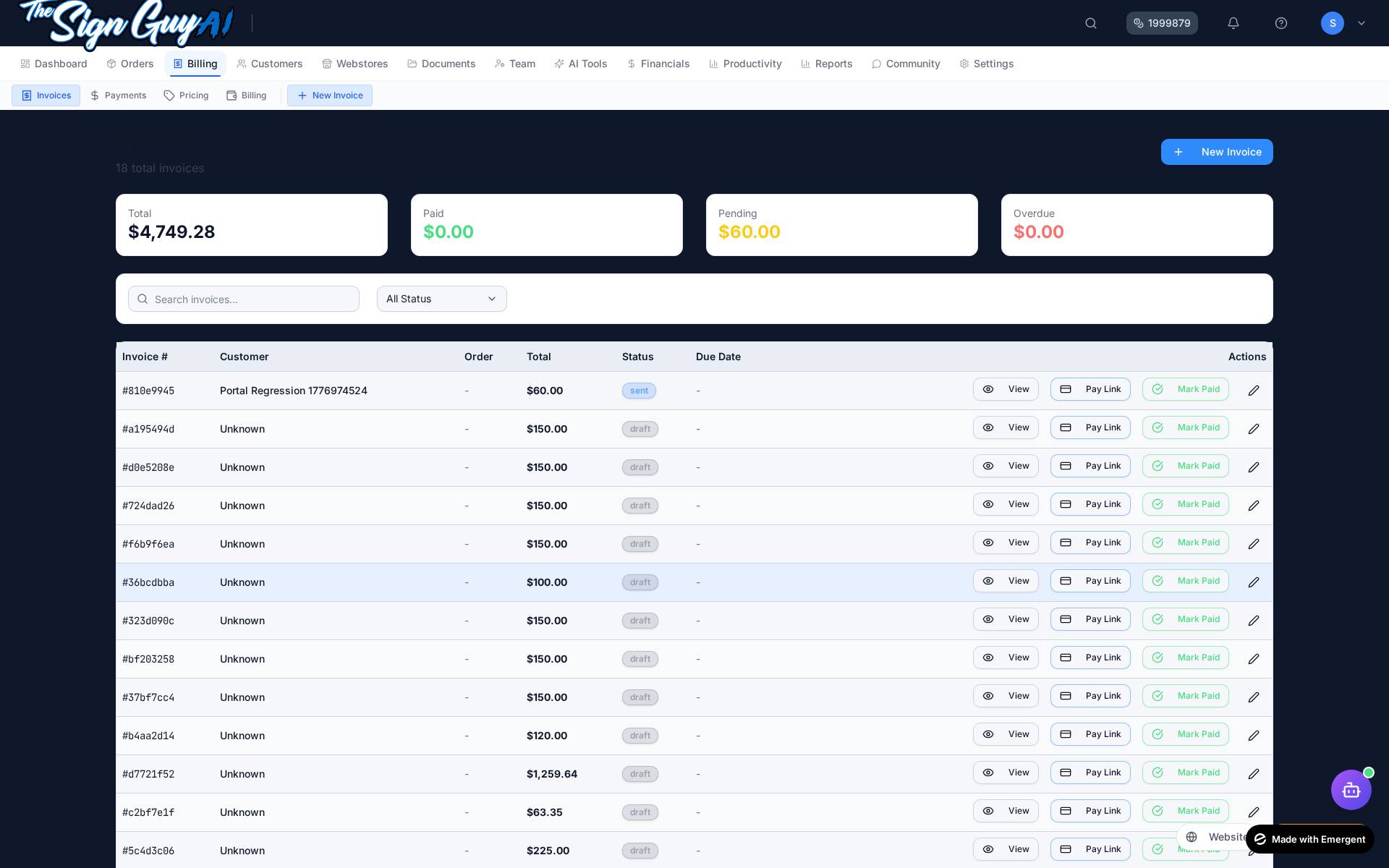
SignGuy AI is a software platform for sign shops, wrap shops, print businesses, and visual-branding companies. It helps businesses manage customers, quotes, orders, proofs, invoices, production workflows, customer portals, webstores, and customer communications.
Business Name: SignTists Lab | Product: SignGuy AI | Owner: Donnell Nicole Black | Structure: Sole proprietorship
Support Email: support@signguy-ai.com Mailing Address: 413 S Pittsburgh St, Connellsville, PA 15425
Privacy Policy Effective date / Last updated: June 20, 2026
SignGuy AI is operated by SignTists Lab, a sole proprietorship owned by Donnell Nicole Black.
1. Who We Are Product/Platform: SignGuy AI
2. Data We Collect Account and profile information (name, email, business details, optional phone). Tenant business data entered into the platform (customers, quotes, orders, invoices, production and workflow records). Customer contact information stored by tenant shops (such as names, emails, phone numbers, and addresses). Webstore and portal data, when those modules are used. System logs and product analytics needed for platform operation, reliability, and security. 3. Email Communications We may send transactional email messages for account access, security, billing, support, operational updates, and requested service notifications.
4. SMS/MMS Communications Where users opt in, SignGuy AI may send account, billing, support, onboarding, and service-notification texts.
Mobile information, including phone numbers and SMS consent, is not shared with third parties or affiliates for marketing or promotional purposes. Information may be used only to provide requested services, customer support, transactional notifications, and communications related to the customer's relationship with the applicable business.
5. Consent Records Where SMS consent is collected for SignGuy AI platform messaging, we retain records including consent timestamp, phone number, source, and disclosure version.
6. Cookies and Analytics We use essential browser/session storage and operational analytics to run and improve the service. We do not state that mobile data is sold or shared for promotional marketing.
7. Data Security We use reasonable technical and organizational safeguards such as encrypted transport, access controls, tenant isolation controls, and monitored infrastructure practices.
8. Data Sharing We may use service providers to process data on our behalf for hosting, messaging delivery, and billing infrastructure. We do not share mobile numbers and SMS consent for third-party marketing or promotional use.
9. Data Changes and Deletion Requests Users may request corrections, updates, or deletion where applicable by contacting us. We will review and respond according to applicable law and service constraints.
10. Contact Information Business Name: SignTists Labsupport@signguy-ai.com
Terms of Service Effective date / Last updated: June 20, 2026
These Terms govern use of SignGuy AI, a software platform operated by SignTists Lab, a sole proprietorship owned by Donnell Nicole Black.
1. Service Description SignGuy AI is a SaaS platform for sign shops, wrap shops, print businesses, and related visual-branding companies. The platform includes customer management, quotes, orders, invoices, production workflows, customer portals, webstores, reporting, and messaging features.
2. SaaS Subscription Relationship Your subscription grants your business access to SignGuy AI as a hosted software service. Access, features, and pricing depend on your subscribed plan and billing status. Use of the platform is subject to these Terms and the Privacy Policy .
3. Account Responsibilities You must provide accurate account information and keep credentials secure. You are responsible for all activity under your account and users you authorize. You must use the service in compliance with applicable laws and communication regulations. 4. Tenant Responsibility for Customer Communications Each tenant (shop/business using SignGuy AI) is solely responsible for communications sent to its own customers, including email and SMS/MMS content, timing, recipient lists, and consent records.
5. SMS/MMS Compliance Responsibilities Each tenant must obtain valid consent before sending SMS/MMS messages to customers. Tenants must provide required disclosures and clear opt-out instructions where required. Tenants must use their own business identity in customer messaging. Tenants may not present SignGuy AI as the sender unless SignGuy AI itself sends platform-related messages. 6. Prohibited Use No spam, unlawful messaging, or abusive content. No purchased, scraped, or non-consented contact lists for texting/email campaigns. No attempts to bypass platform safeguards, tenant isolation, or service controls. 7. Payment and Subscription Terms Subscription pricing, renewal, billing cadence, and cancellation conditions are defined by the active plan and checkout terms shown at purchase time. Additional processing and usage-based fees may apply based on enabled features.
8. Limitation of Liability To the maximum extent permitted by law, the service is provided on an "as is" and "as available" basis, without warranties of uninterrupted or error-free operation. SignTists Lab disclaims liability for indirect, incidental, special, or consequential damages. Direct liability, if any, is limited to amounts paid for the service under applicable law.
9. Governing Law Governing law and venue placeholders apply as configured in your signed agreement or order form where applicable.
10. Contact Information For questions regarding these Terms:support@signguy-ai.com
About SignGuy AI SignGuy AI is operated by SignTists Lab, a sole proprietorship owned by Donnell Nicole Black.
SignGuy AI is a software platform built for sign shops, wrap shops, print businesses, and related visual-branding companies. The platform helps businesses manage customers, quotes, orders, proofs, invoices, production workflows, customer portals, webstores, and customer communications.
Built by a sign shop operator, for sign shop operators. No investors. No committees. Just software that works for the industry.